
When Your Coding Agent Says Done (And Isn’t)
Session fixes for false progress, doom loops, and instruction drift in Claude Code and Cursor (after re-prompting made my stuck sessions worse).

In last week’s post, I mapped what’s inside a coding agent and named ten common failure patterns.
I’ve spent hours rephrasing prompts and giving more context, only to end up with the same tool call or the same broken output. The obvious fixes didn’t work, and a few of them actually made the session worse.
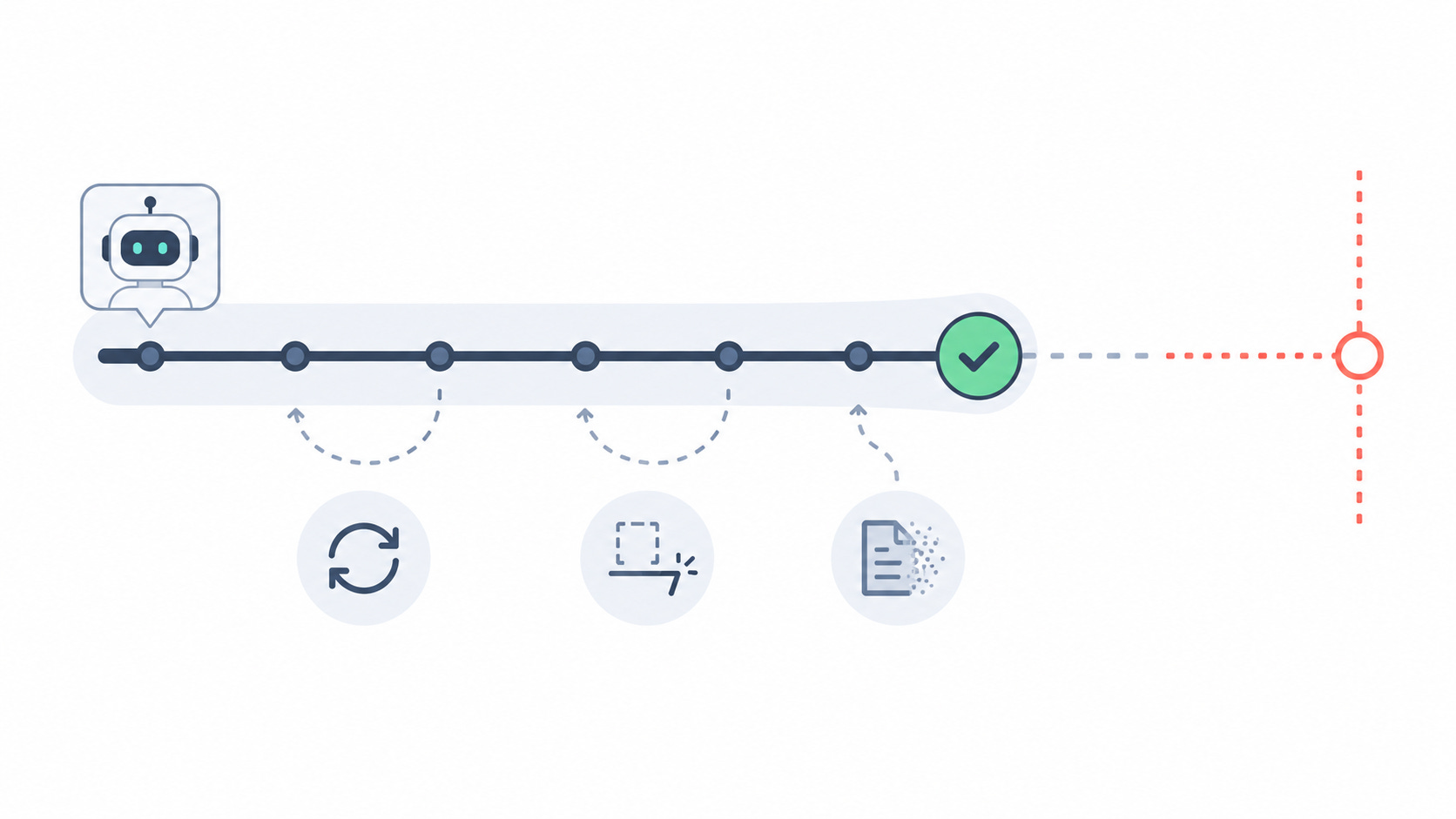
In my own experience and in conversations with other engineers, the three failure patterns that keep showing up were:
False progress: the agent says done when it isn’t
Doom loops: it keeps repeating the same tool call no matter what you type
Instruction drift: it stops following the constraints you set
What follows is what I changed for these three patterns, grounded in the OpenDev technical report (arXiv:2603.05344).
Why the Obvious Fixes Don’t Work
All three failures sit below the prompt layer in context management and tool execution, not necessarily how clearly you worded the prompt.
In fact, adding more context to a stuck session adds more weight behind the wrong approach.
Below is the full playbook for all three failure patterns. Not more prompting theory, but what I actually run in Claude Code and Cursor:
False progress: the session-start template, plus the verification message I send.
Doom loops: when to stop re-prompting and what to do instead
Instruction drift: the mid-session nudge I paste when scope slips, and the signals I use to split a session.